


6. Monthly tax
PP 30, PND 3 and PND 53 from posted documents
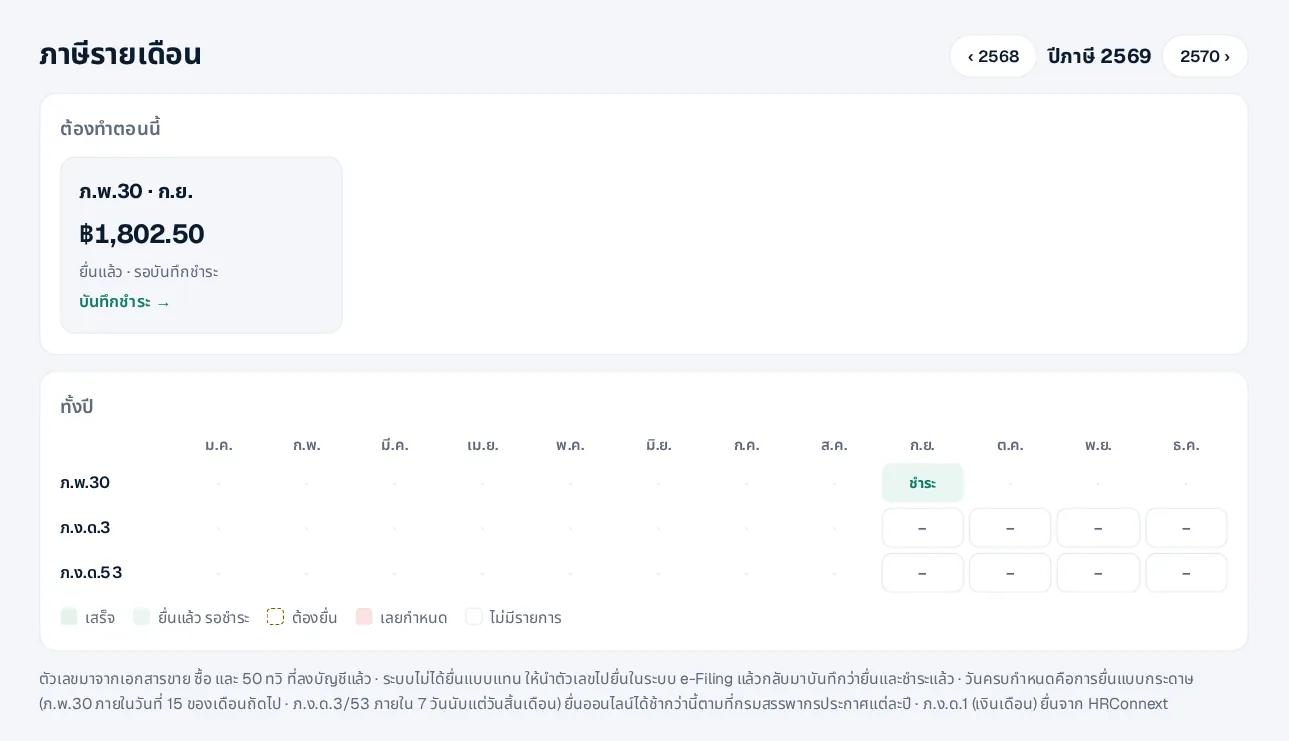
- 1Open Tax — A year table shows every month’s status; the “to do now” card shows what to file
- 2Check the reports — Output VAT, input VAT and withholding for the month
- 3File in e-Filing — Use the figures in the Revenue Department’s e-Filing (the system does not file for you yet)
- 4Record filing and payment — Come back to record the date and reference, then the payment
Companies not registered for VAT do not file PP 30 and do not see it. PND 1 for salaries is filed from HRConnext.
 LINE