


8. Bank and reconciliation
Import statements and match them to the books
- 1Add a bank account — Bank: tie it to an account in the chart
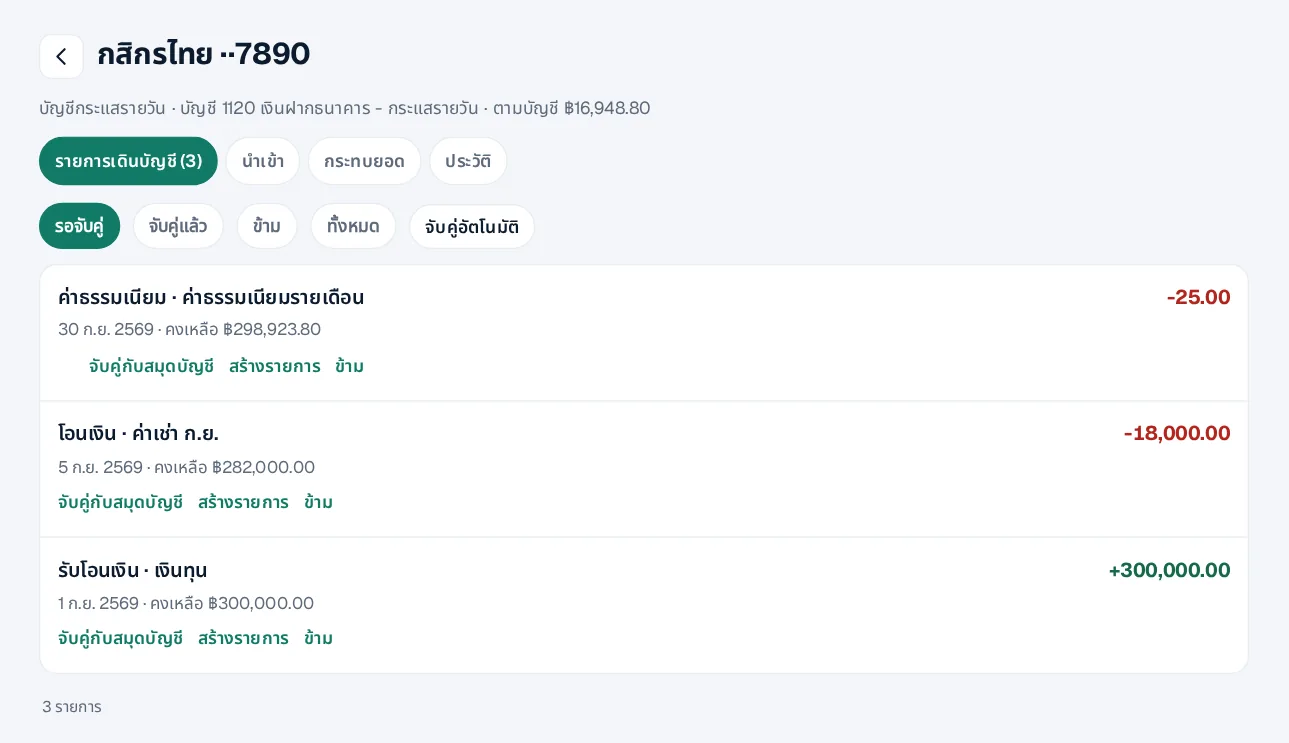
- 2Import a file — CSV or Excel downloaded from a Thai bank; columns are found from the headers
- 3Match — Exact matches are made for you; match the rest or create entries such as fees
- 4Reconcile — When the balance agrees with the statement, confirm the reconciliation
No direct bank connection yet; import the files you download from your bank.
 LINE